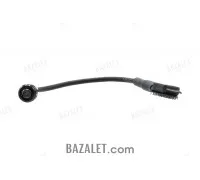
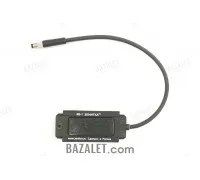
Zenitco KV-D3/2P Dual Remote Switch with Safety
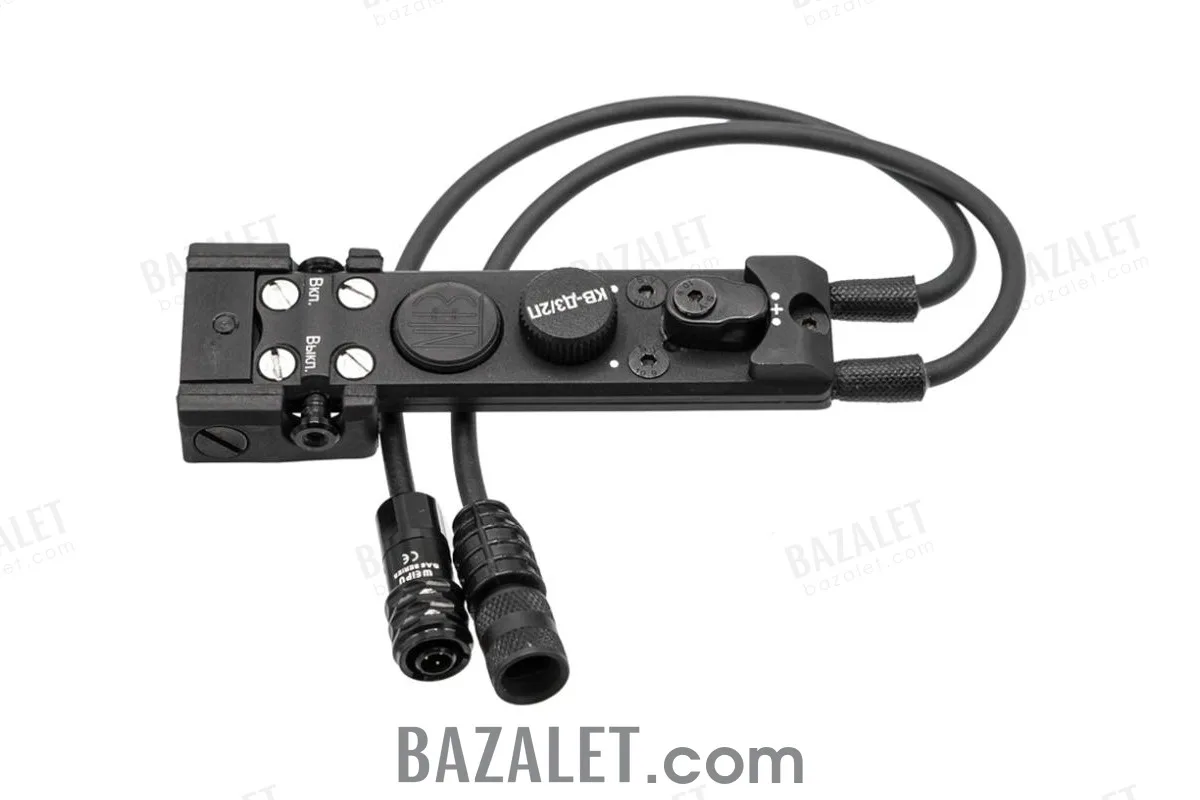
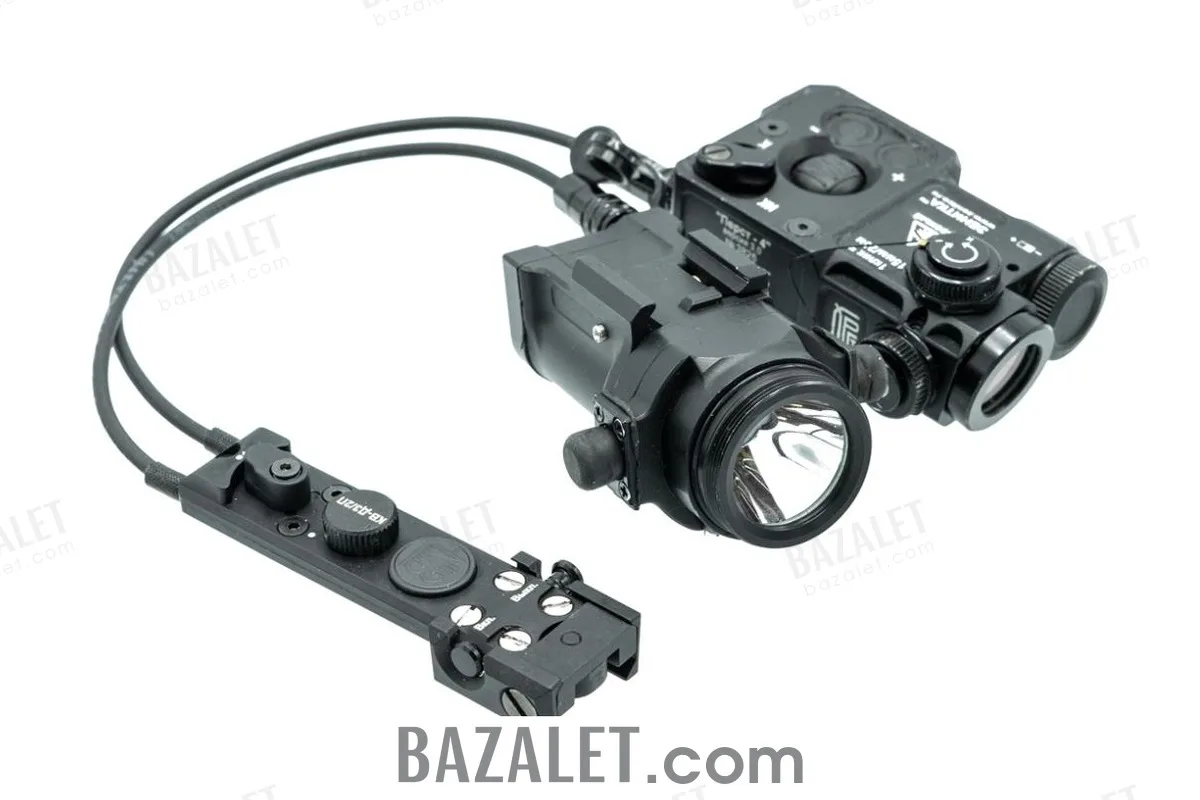
- $189
Available Options
In short: The Zenitco KV-D3/2P is a dual remote switch with a safety mechanism for controlling two compatible devices from one unit. It mounts on Bazis with the supplied cam clamp or on Picatinny with the supplied adapter. Connector version is a required choice.
Choose the connector version
| Version | Connector arrangement | Use when |
|---|---|---|
| 1.0 | Two previous-generation connectors | Both devices use the previous connector |
| 1.1 | One previous connector and one Zenitka connector | The devices use different connector generations |
| 2.0 | Two Zenitka connectors | Both devices use the Zenitka connector |
Compatibility checkpoint
Both connector generation and device version must match. The current manufacturer page gives examples across the Perst Classic, Perst-4, Perst-4M, Perst-2, Klesch-2PS+LTsU, Klesch-1, Klesch-1+LTsU and Klesch-2 families. Earlier versions than those documented in the manufacturer's compatibility guidance are not compatible.
Controls and mounting
KV-D3/2P duplicates the compatible devices' body controls. Its rotary selector adjusts brightness, and the integrated safety mechanism helps prevent unintended activation. Use the supplied adapter for Picatinny or the supplied cam clamp for Bazis.
Technical specifications
| Material / finish | D16T aluminum alloy / black coating |
|---|---|
| Dimensions | 310 × 29 × 14 mm (±5 mm) |
| Weight with Picatinny adapter | 43 ± 5 g |
| Mounting interfaces | Bazis and Picatinny |
| Operating range | −20°C to +40°C |
| Manufacturer warranty | 12 months |
What's in the Box
- KV-D3/2P dual remote switch — 1
- Picatinny mounting adapter — 1
- Cam clamp for Bazis mounting — 1
- Operating manual — 1
Installation
- Select the connector version that matches both devices.
- Remove each protective cap, align the contacts and insert the matching plug.
- Mount the unit on Picatinny with the adapter or on Bazis with the cam clamp.
- To disconnect a plug, pull its locking ring instead of the cable. Confirm correct control and safety operation before use.
Examples available at Bazalet include Klesch-2 V2.1 and Klesch-1 V2.1; confirm the exact version and connector before ordering.
Frequently asked questions
Can KV-D3/2P control two devices?
Yes. It is designed to operate two compatible devices from one control unit.
What is the difference between versions 1.0, 1.1 and 2.0?
Version 1.0 has two previous connectors, 1.1 combines one previous connector with one Zenitka connector, and 2.0 has two Zenitka connectors.
Does it mount on Bazis and Picatinny?
Yes. The delivery set includes a cam clamp for Bazis and an adapter for Picatinny.
What does the safety mechanism do?
It helps prevent unintended activation while retaining remote control of the connected devices.
General
Mounting & Rails
Care & Chemicals
Reviews from customers
Used this product? Share your experience to help other customers choose.