Zenitco ESH-1 Electronic Identification Patch
- $109
In short: The Zenitco ESH-1 is an electronic identification patch intended to help distinguish team members in low-light conditions. It provides three selectable LED modes: infrared, red and green.
Selection checkpoint
- Light modes: infrared, red and green.
- Intended function: visual identification in low-light conditions.
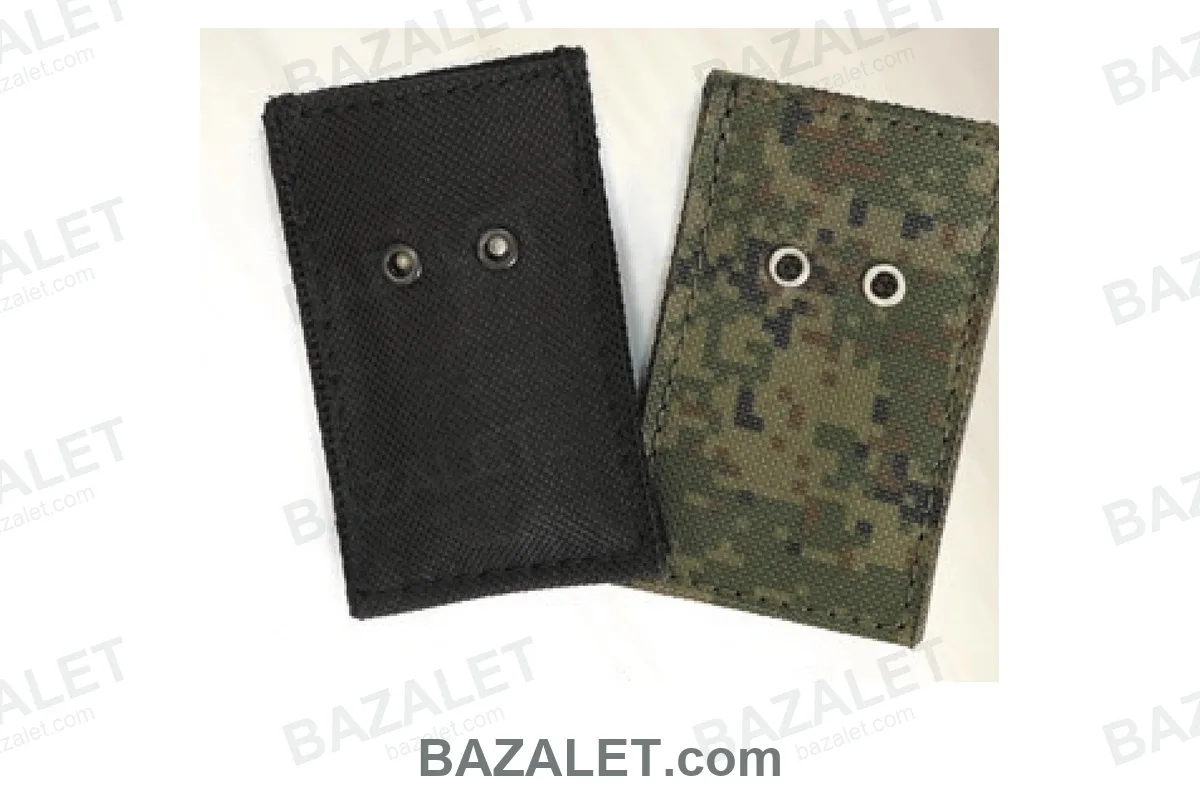
- Included covers: one black patch and one camouflage patch are supplied with the electronic module.
- Infrared mode: requires compatible viewing equipment.
Operating modes
Choose the LED color that matches the identification plan. Red and green provide visible markers, while the infrared mode is intended for observation through compatible equipment.
What's in the Box
- ESH-1 electronic module — 1
- Black patch cover — 1
- Camouflage patch cover — 1
Setup
Place the electronic module inside the selected cover, confirm that the light ports remain unobstructed and test the required LED mode before use. Install the suitable power source according to the supplied operating manual and use the electronic module with the included black or camouflage patch cover.
Frequently asked questions
Which light modes does the ESH-1 provide?
It provides infrared, red and green LED modes.
What is the ESH-1 designed to do?
It is intended to help identify team members in low-light conditions.
Which covers are included?
The set includes one black patch cover and one camouflage patch cover.
Can the infrared mode be seen without special equipment?
Infrared mode is intended for observation through compatible viewing equipment.
Compatibility
| Compatible platforms / hosts | Compatible identification-patch covers supplied with the ESH-1 electronic module |
|---|---|
| Required interface / configuration | supplied black or camouflage patch cover; compatible viewing equipment for infrared mode |
| Resulting interface / function | infrared, red or green low-light identification marker |
| Exclusions / limitations | infrared mode without compatible viewing equipment and covers that obstruct the light ports |
Installation
Confirm the required interface before installation: supplied black or camouflage patch cover; compatible viewing equipment for infrared mode. Fit the component according to the manufacturer instructions, then verify the resulting interface or function: infrared, red or green low-light identification marker.
General
Mounting & Rails
Care & Chemicals
Reviews from customers
Used this product? Share your experience to help other customers choose.